

Case study · Good News Bible Church
Every relationship in one place. The whole church working as one body.
Good News Bible Church tracked people across spreadsheets, Planning Center, website forms and Mailchimp, and sent visitors to a separate site for groups and events. We built one system on the church's own website that tracks every relationship automatically and shows who needs care.
- 1 system
- for contacts, groups, events, tasks and messages, on the church's own website
- 18 days
- from approved plan to production
- 5 → 1
- tools retired along the way
- EN + RU
- every member-facing page, per person
Why we built it
The problem
Keeping up with people was stressful. Contacts lived in Excel spreadsheets, Planning Center, website forms and Mailchimp, and every subscribe or unsubscribe had to be fixed in several places. Groups and the calendar sat in Planning Center too, so the church website kept sending visitors to someone else's site. That split the church's search traffic and left two systems that never quite worked together.
The solution
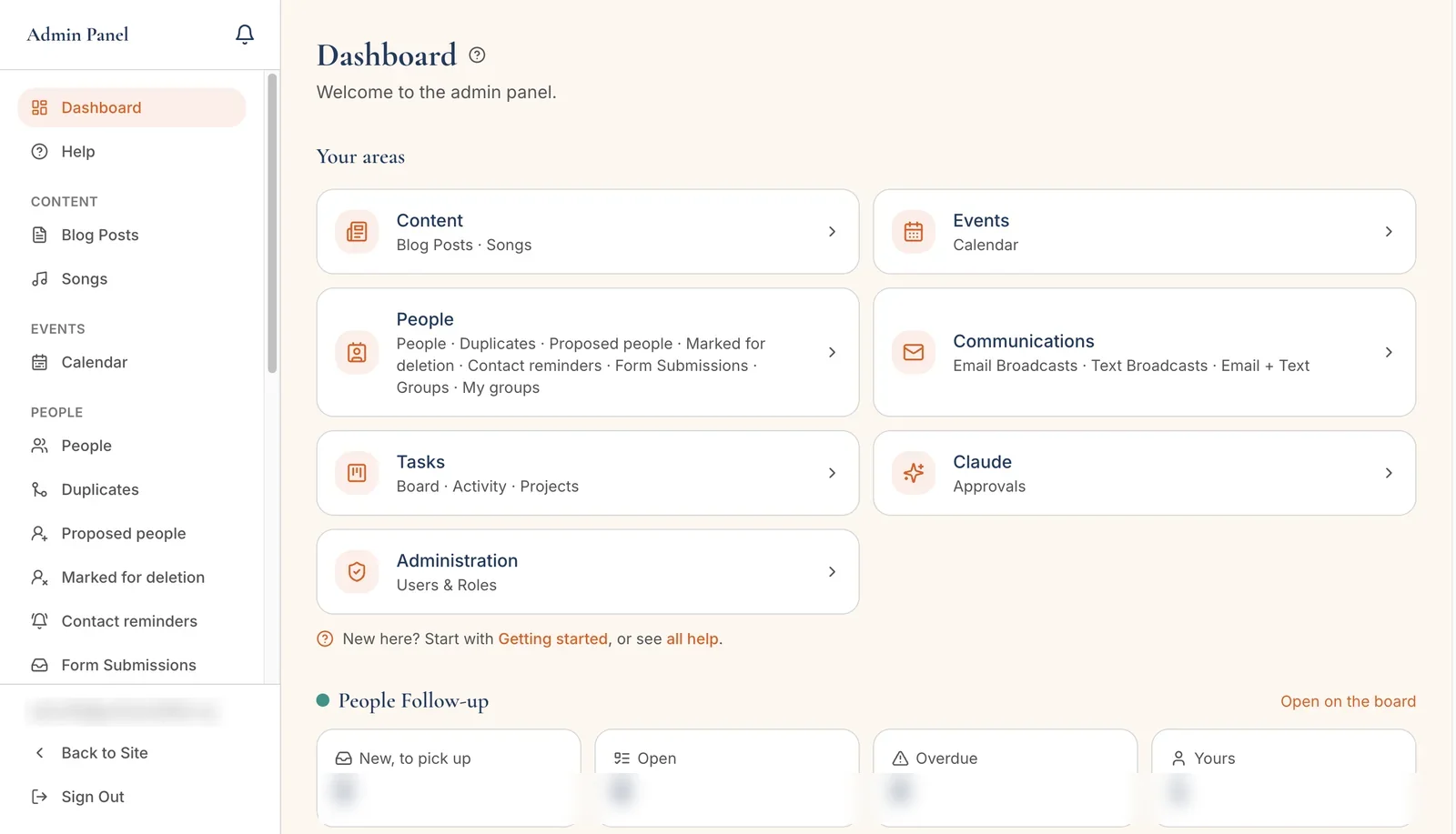
One simple system that does the tracking for you. Every call, visit, form and follow-up lands on the same record, and a relationship health index shows at a glance who has been cared for and who needs a call. Groups, events and sign-ups now live on the church's own website, so visitors stay on goodnewsbible.org and search engines see one site.
The result
The whole church works as one body, toward one goal: a healthy relationship with every person who walks through the door.
Replaces Planning Center People, Groups and Calendar
Church relationship management
- One record per person and household, imported from Planning Center.
- A relationship health index on every person: green, amber or red by their last call, visit or follow-up, so staff see who needs care first.
- Groups run by their own leaders: join requests, group chat and attendance.
- A calendar with recurring events, RSVPs and reminders.
Replaces Linear
Task manager
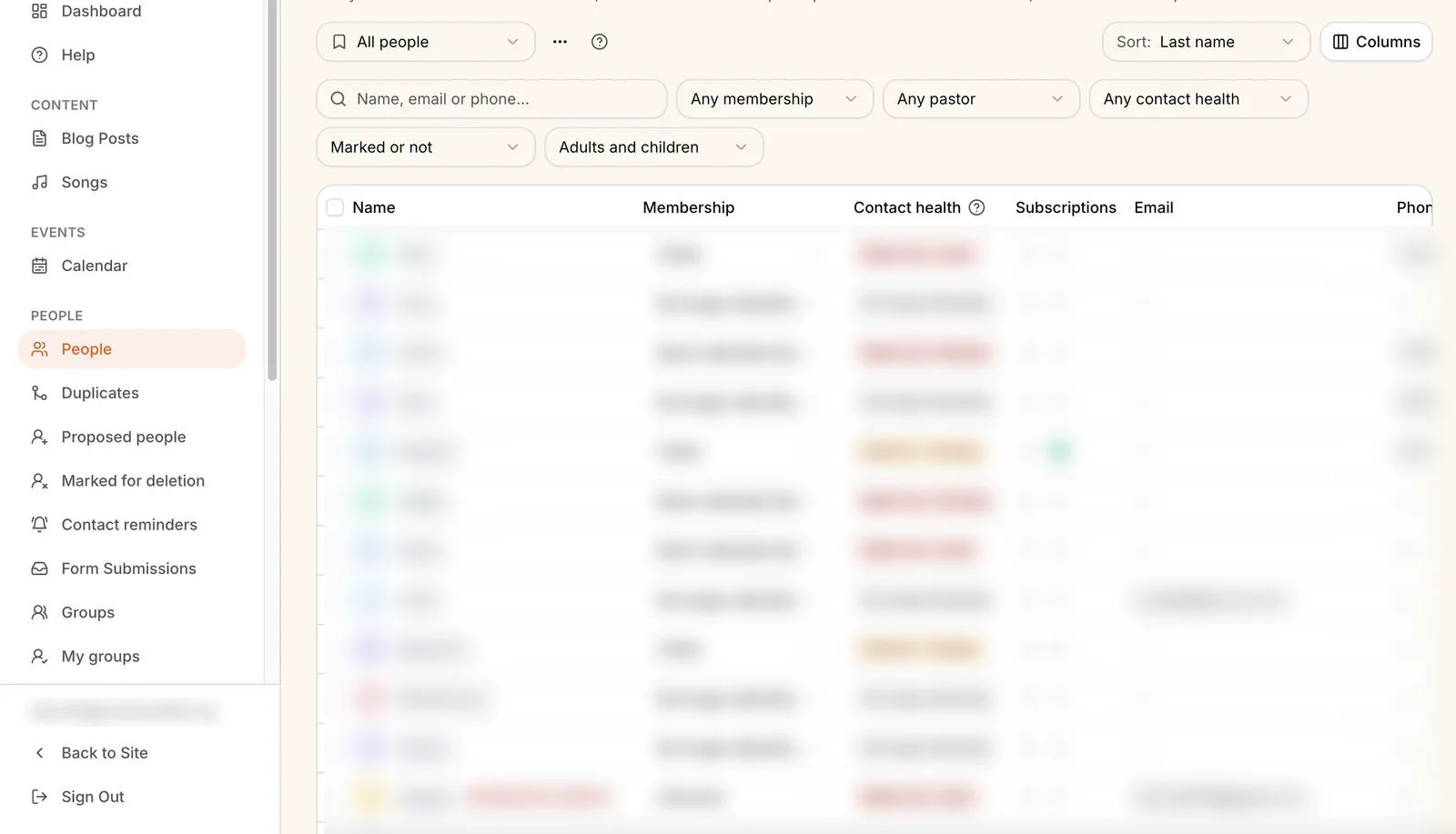
- A Kanban board with projects, recurring tasks, comments and @mentions.
- New-visitor follow-ups and pastoral care run as tasks, so nobody falls through the cracks.
- Assignments, due dates and overdue notices by text or email.
Replaces Mailchimp, Flocknote and the SMS service
Email and text broadcasting
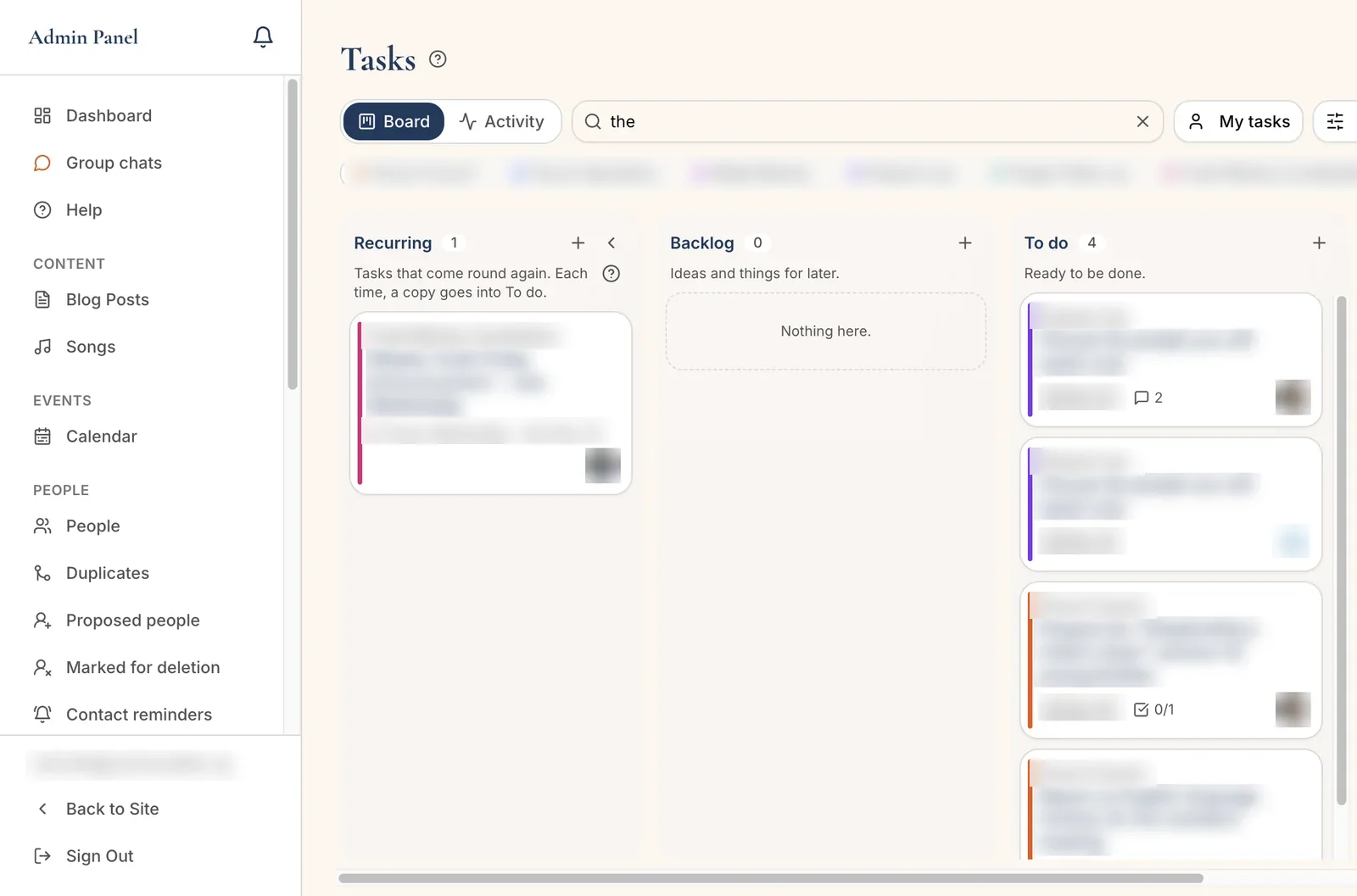
- One composer for email, text or both: each person gets the message once, by text if they agreed to texts, otherwise by email.
- Audiences built from the People list's filters, or hand-picked.
- Consent and opt-outs per person, no texts at night, segment count and cost shown before sending.
- Email through Amazon SES and texts through Twilio.
Content management
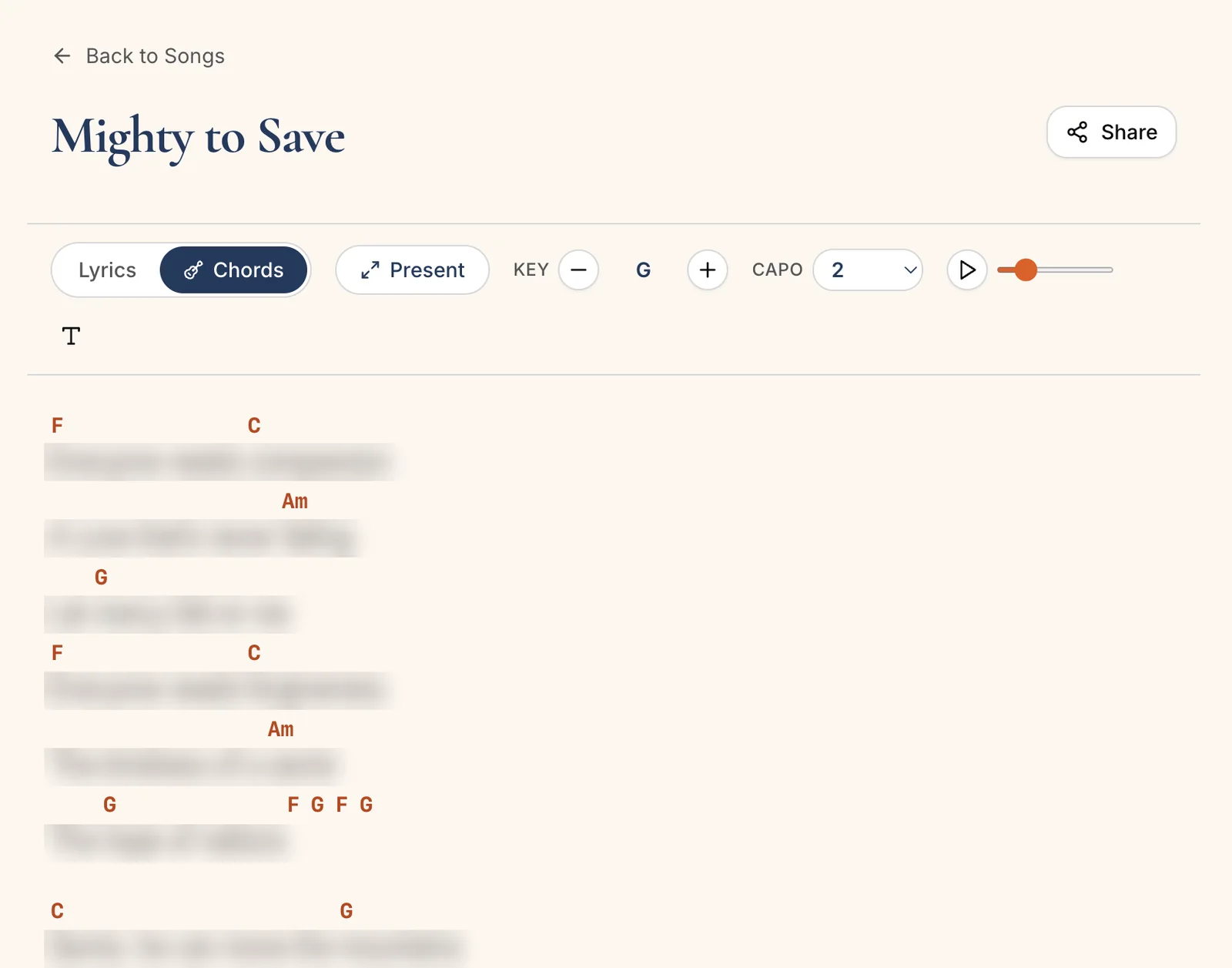
Blog and worship songs with full chord support
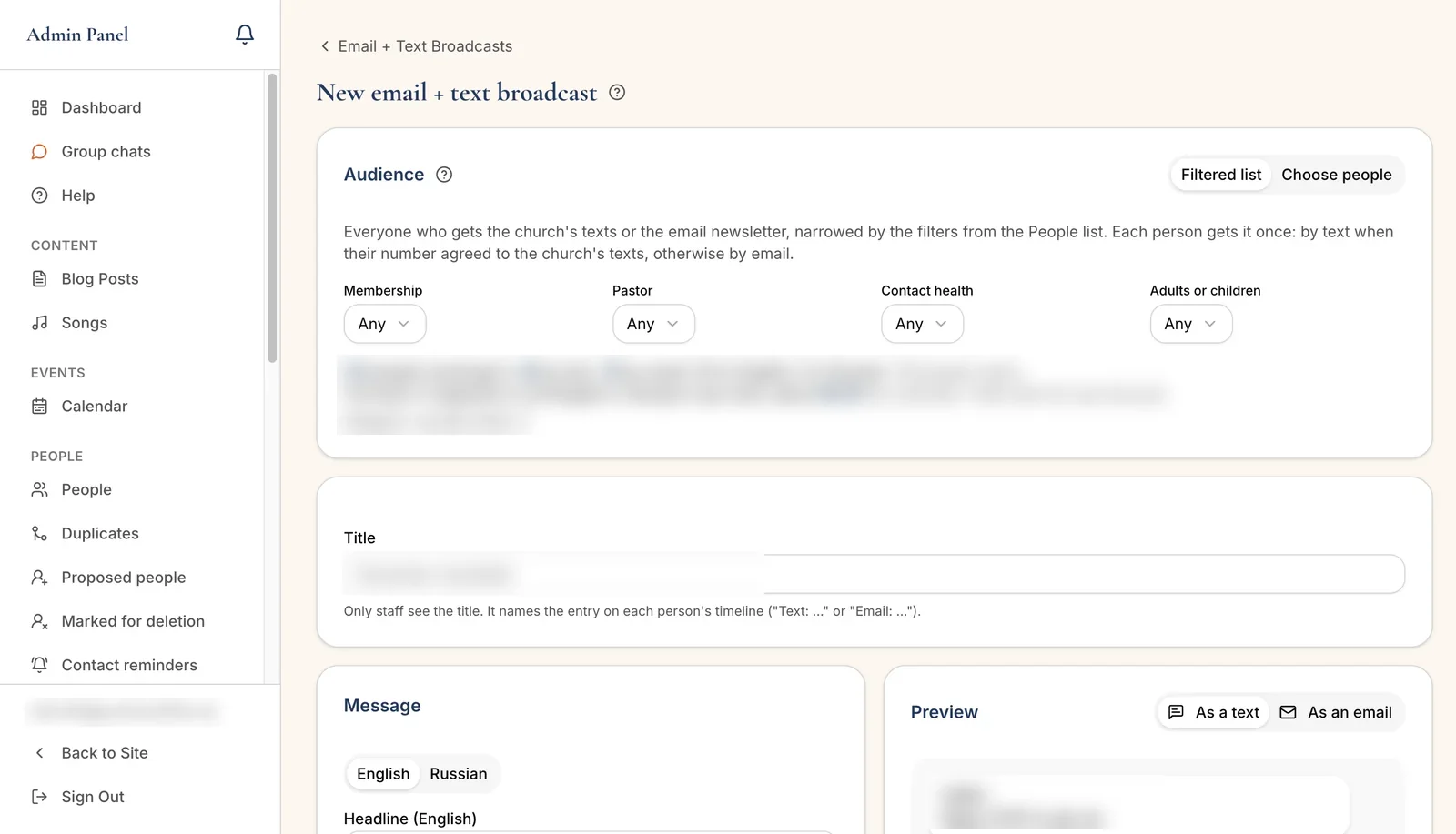
- A content management system for the church's blog and song library.
- Each song is stored once with its chords: lyrics for the congregation, chords for musicians, a full-screen Present mode for Sunday.
- Change key or capo and every chord transposes instantly.
- Handles real-world bilingual chord sheets, and the import refused to save any song that would lose a word.
AI enablement · live in production
Claude, connected to the church's tasks and calendar
We built an MCP server into the platform. Staff connect Claude to their own account and ask “What's on the calendar this week?”, “Which tasks are overdue?” or “Make a task for Sunday's setup and assign it to me.”
Signs in as the person
Claude works with exactly the permissions that person has. A group leader's Claude sees their own group's events, not the whole church.
Safe by design
New and updated tasks are written straight away; anything sensitive waits for a human to approve. Every call is logged.
28 tools, one registry
Tasks, projects, events, groups and the calendar, shared by the MCP connector and the in-app assistant.
Results
- Contacts, subscriptions, groups and events tracked automatically in one place, instead of spreadsheets and five separate tools.
- Live 18 days after the plan was approved, in a single cut-over night. The old site ran unchanged until then.
- Staff manage tasks and events with Claude in English or Russian, with the same permissions as the admin.
Tracking people across too many tools?
We build one system that fits how your people work, and connect it to Claude without giving up control of your data. Senior engineers only.